asset-guides
Procedural Fence Generator
Curve-driven procedural fences for Blender built with geometry nodes, in 20 styles from rustic wood to modern metal. Draw a curve and the fence follows it.
Updated 9 July 2026
The iMeshh procedural fences are built with geometry nodes and driven by a curve. Draw or edit a curve and the fence instantly follows it, with posts, panels, and details placed automatically. No manual placement of individual fence panels.
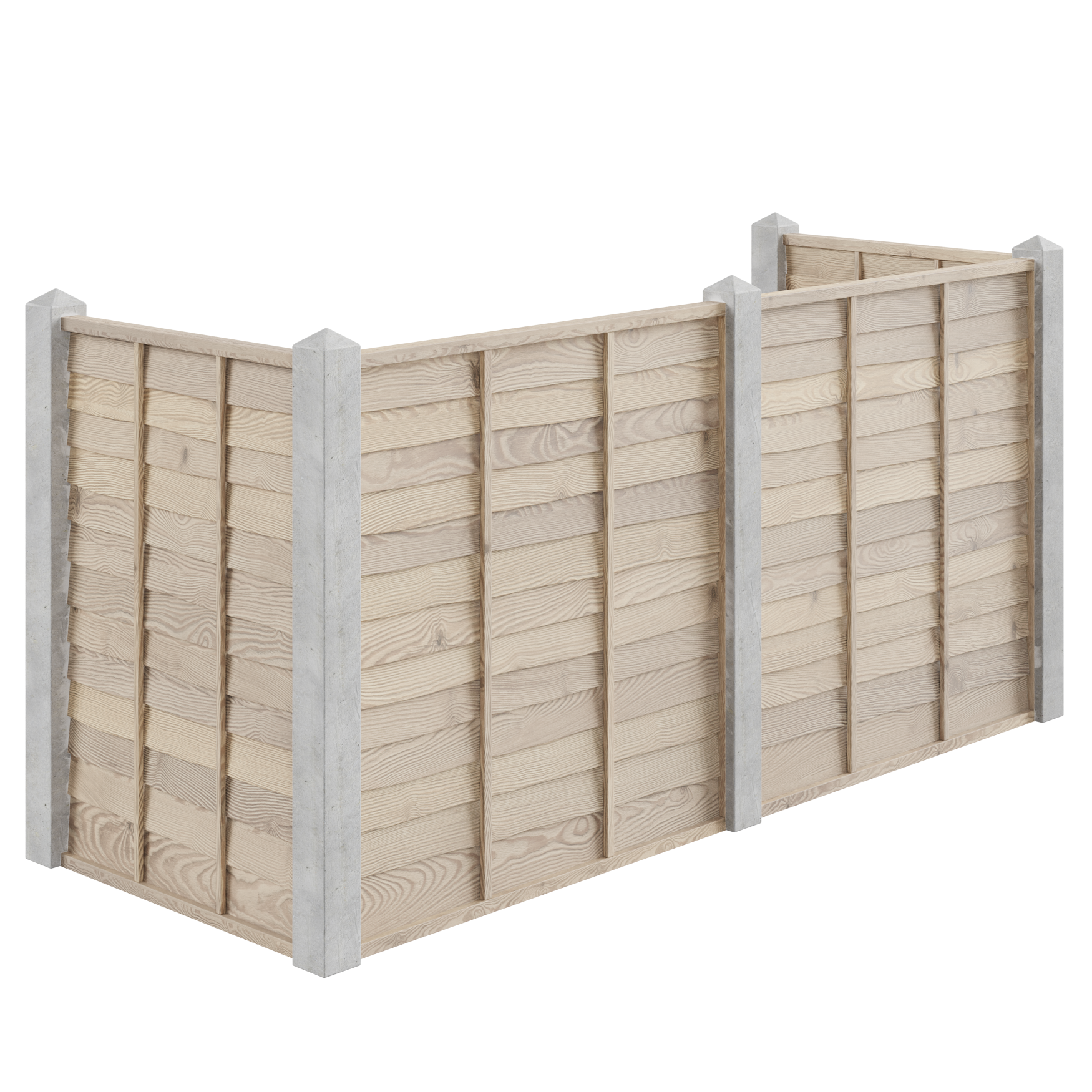
How it works
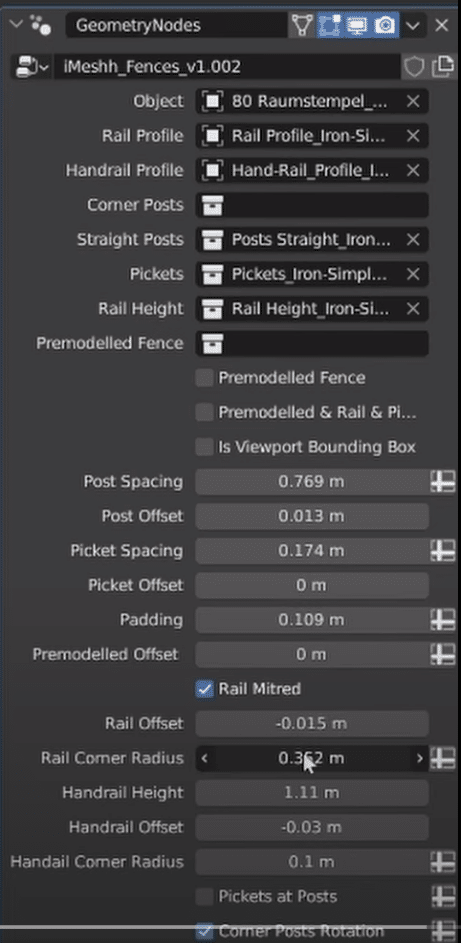
Geometry nodes give the fence a node-based procedural setup: you control the result through a small set of parameters on the modifier, and the system generates the geometry. Once the fence asset is in your scene:
- Select the fence's curve object.
- Edit the curve in Edit Mode so it follows your garden path, boundary, or driveway. The fence updates as you move the control points.
- Adjust the parameters on the geometry nodes modifier to change spacing, height, and style details.
A picket fence that curves with a garden path or a wrought-iron fence along a winding driveway is a matter of tweaking a few parameters rather than placing panels by hand.
Fence styles
The range covers 20 fence types: rustic wooden designs, modern metal looks, security fencing, and classic and traditional styles. All of them are available through the Asset Library.