asset-guides
Floor Generator
Guide to the iMeshh Floor Generator v2 for Blender, covering texture resolution, tile placement with an anchor vertex, inset scale for metro tiles, clapboard siding, and trims.
Updated 9 July 2026
The iMeshh Floor Generator v2 is a substantial upgrade over the previous version. It offers better performance, a wider range of customisation options, and includes a robust material shader suitable for a variety of projects. Apply the geometry nodes modifier to a shape or plane and it fills the surface with tiles or planks.
Texture resolution
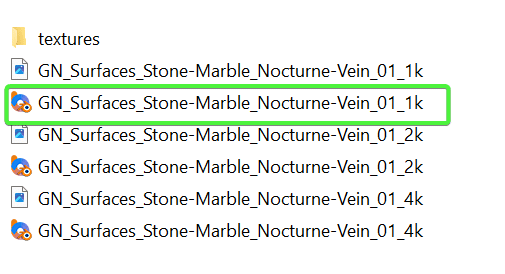
Selecting the 4K texture option is unnecessary for most use cases; 1K usually provides ample quality. Each material consists of several textures (roughness, diffuse, and normal), so a 4K setting loads a large set of high-resolution textures per material. Choosing 1K suits the majority of scenarios and keeps VRAM use down.
Adjusting tile locations
To control exactly where the tile pattern starts, apply the geometry nodes modifier to your shape or plane, then add a single standalone vertex to the object. The modifier uses that vertex as an anchor point, so you can fine-tune the starting position of the tiles by moving the vertex.
Inset scale
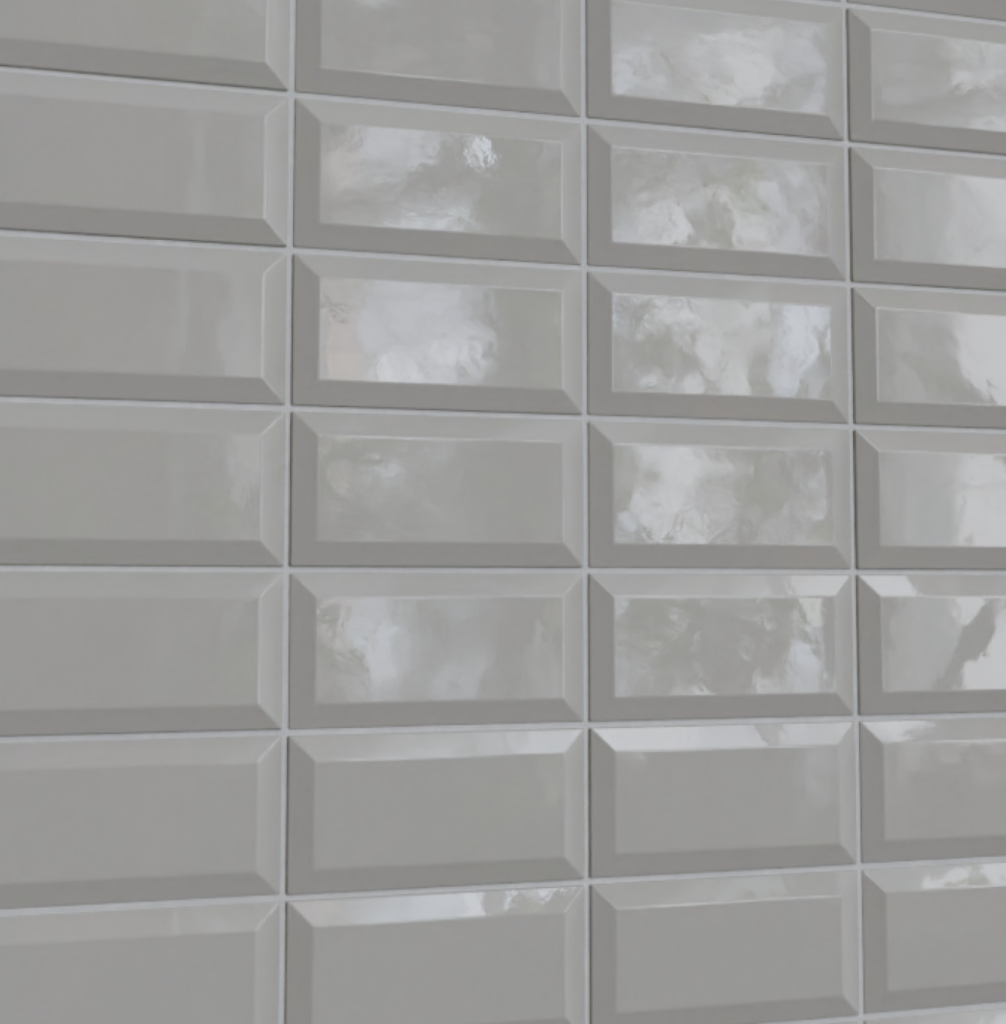
The Inset Scale feature adds a neat inset to your tiles, which makes metro-style tiles almost effortless.
Clapboard siding
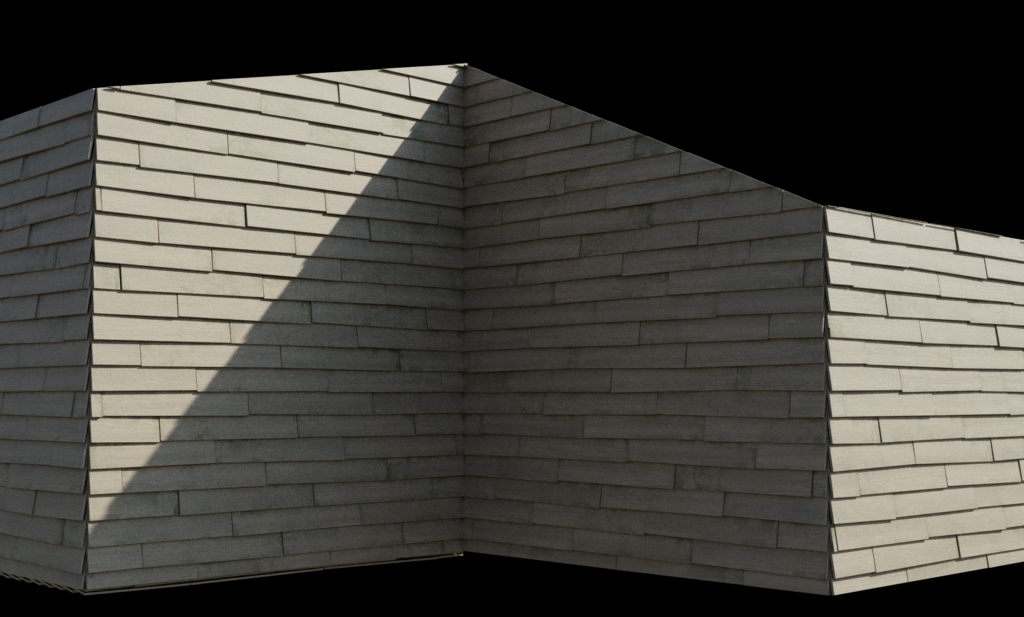
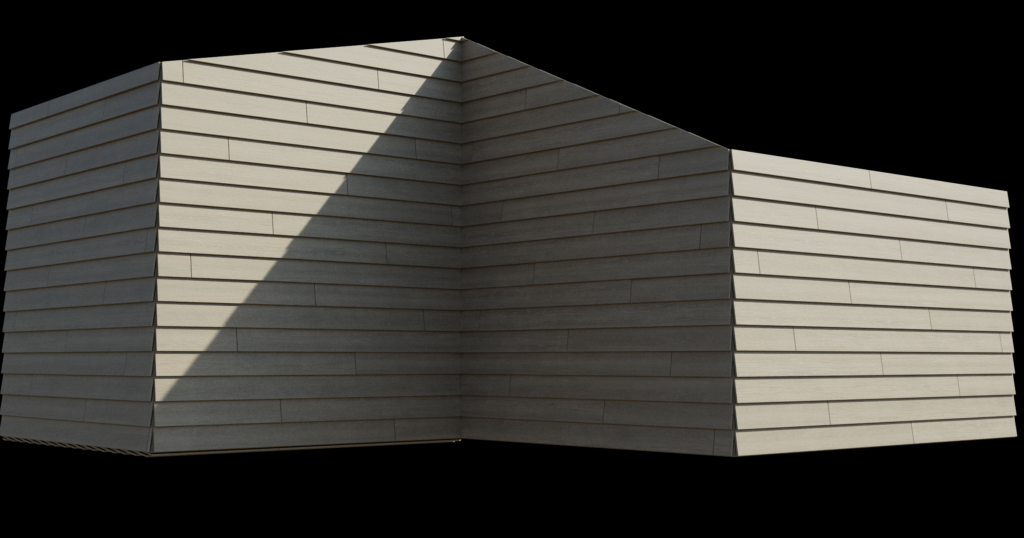
Clapboard siding handles exterior wood surfaces. The tool sets the plank rotation automatically based on plank height, and a manual rotation setting is available if you need further adjustment.
Trim
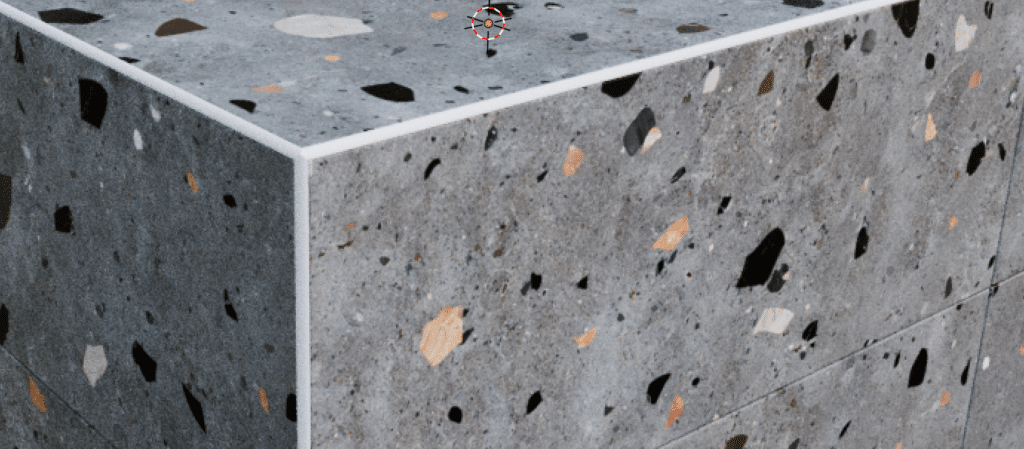
Tile corners often need a protective trim to avoid sharp edges. The Trim feature adjusts its size automatically to match tile height and offers multiple trim size options. You can also select exactly which edges get trimmed by using the attribute button, the same way attributes work in the Roof Generator.