asset-guides
Wood Floor Generator & Shader
The iMeshh wood floor system for Blender, with 30 wood materials, 10 unique plank textures each, standard, herringbone, and chevron layouts, and a full material shader with dirt, scratches, and grout controls.
Updated 9 July 2026
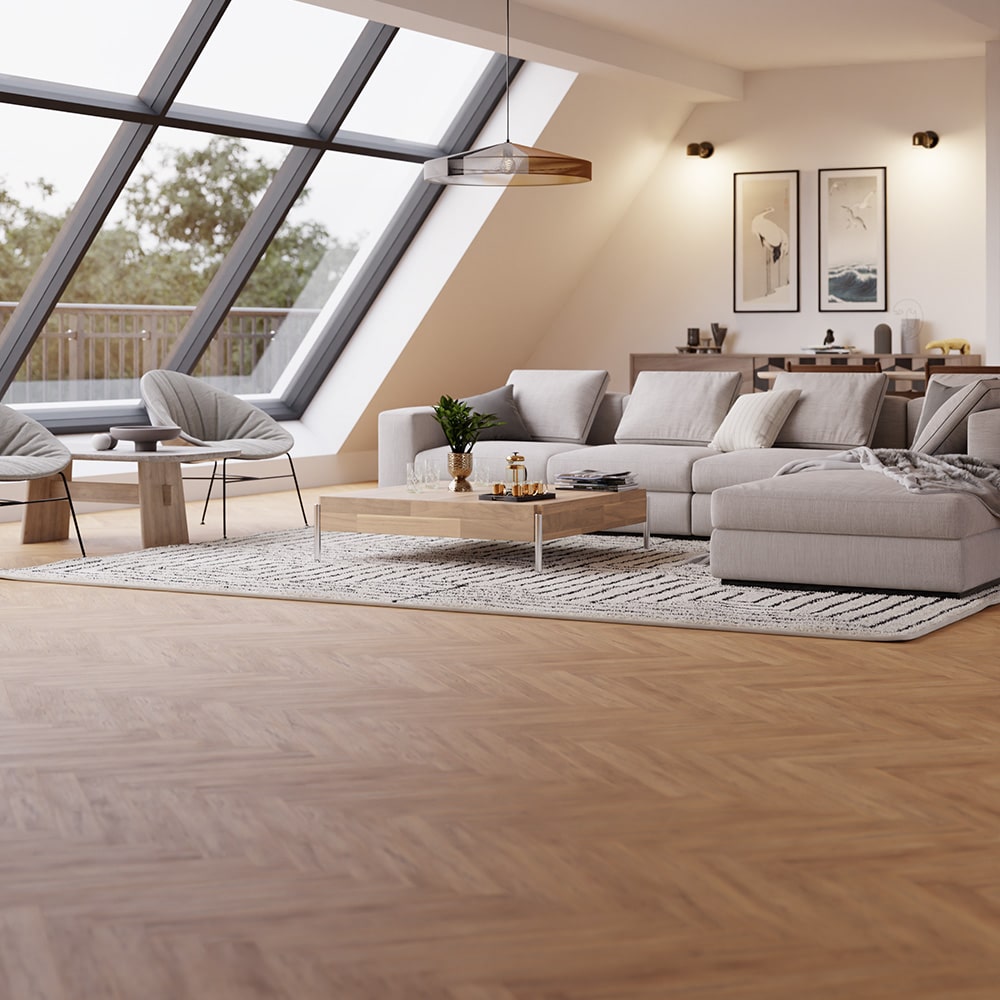
The iMeshh wood floor system is a full plank floor generator built in Blender with geometry nodes, paired with a material shader for wood detailing. It ships with 30 wood floor materials and lays out planks procedurally over any surface you give it.
30 wood floor materials
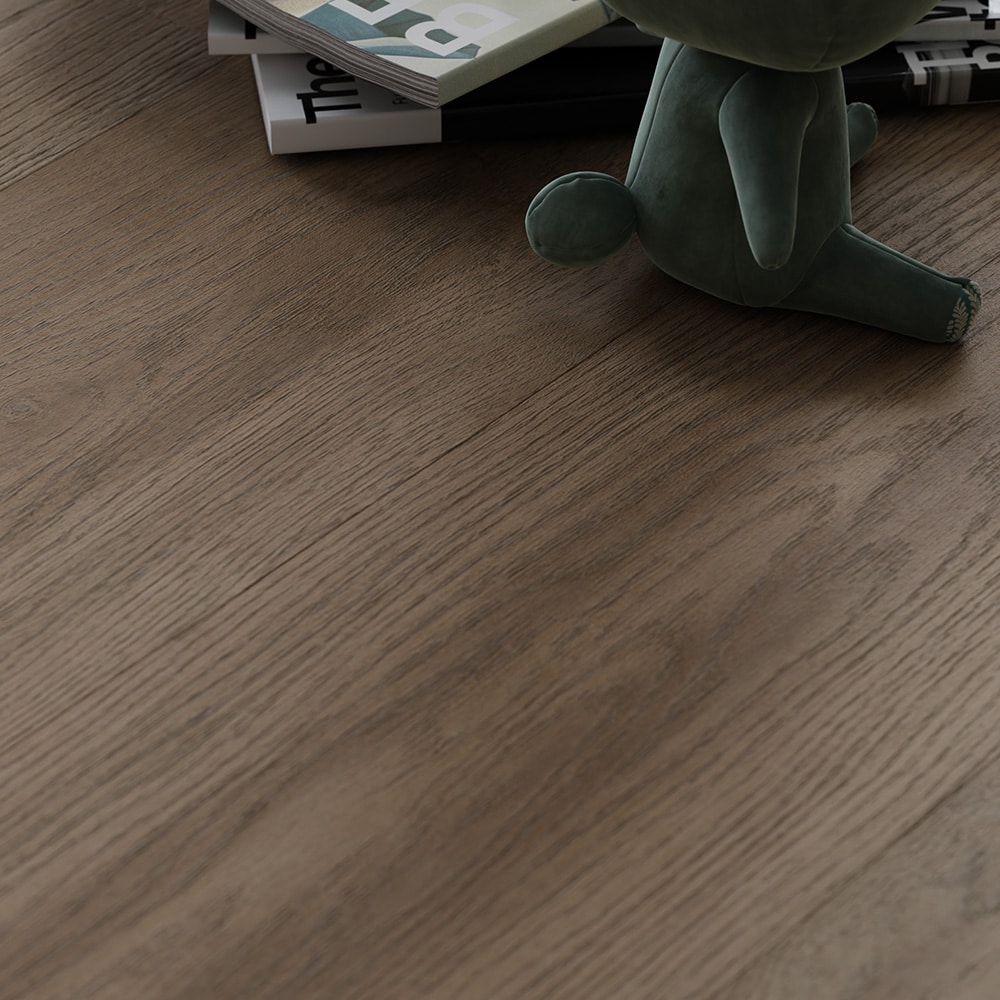
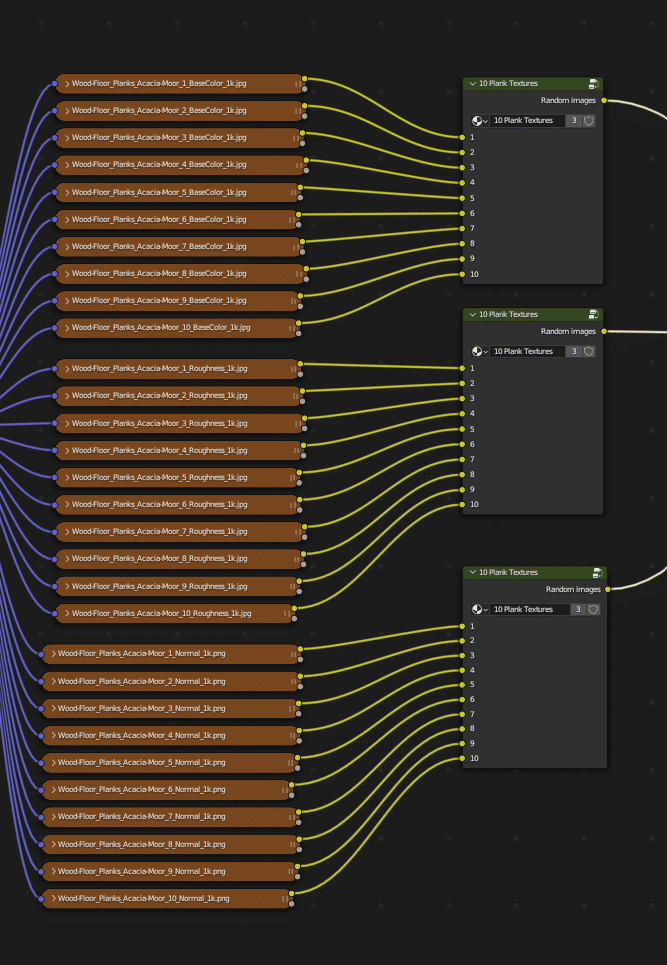
The system includes 30 individual wood floor materials. The textures were produced with wood floor manufacturers, and each material carries 10 individual plank textures, so planks do not visibly repeat across the floor.
Texture resolutions and VRAM
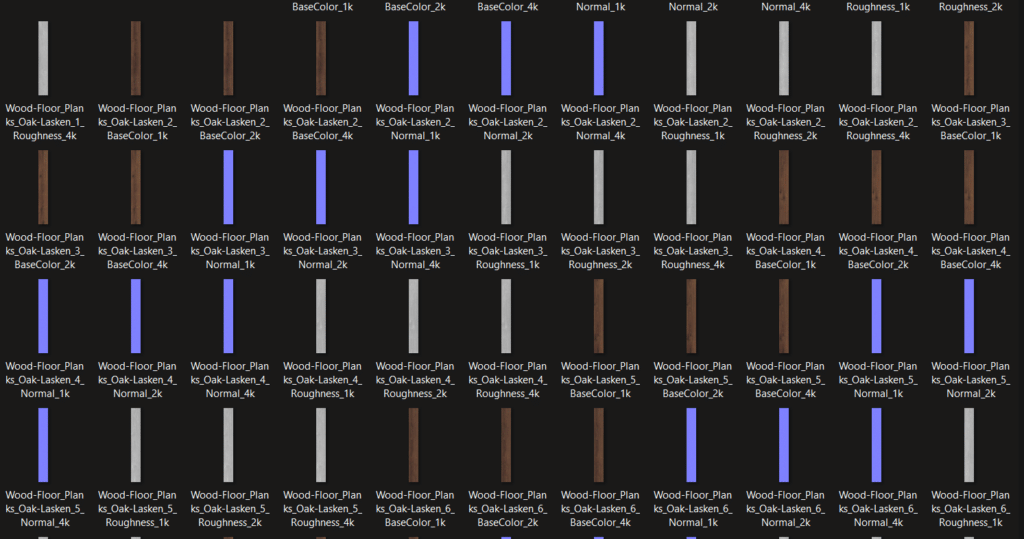
Textures are available in 4K, 2K, and 1K resolutions, so you can match the resolution to the shot instead of always paying the VRAM cost of 4K. For most interiors, 1K or 2K is plenty; save 4K for extreme close-ups.
Plank layouts
The geometry nodes system switches between plank layouts: standard, herringbone, and chevron. Boolean trimming and preview settings are built in, so the floor conforms to the boundary of your room shape.
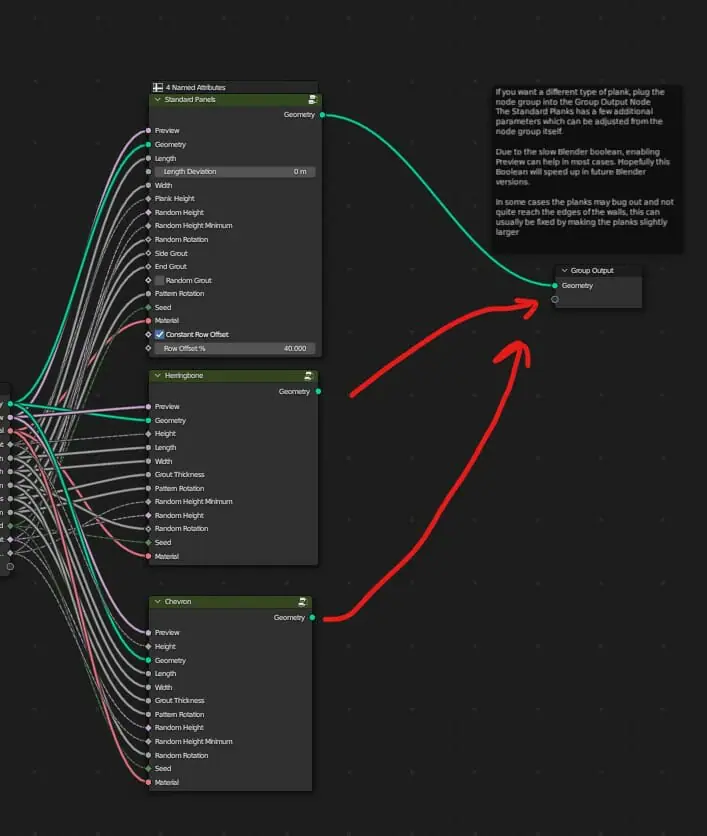
Customising the planks
You can go into Edit Mode to change plank sizes directly, or use the geometry nodes parameters to randomise plank lengths and rotations. Advanced options expose every aspect of the plank appearance, from plank height to grout width.
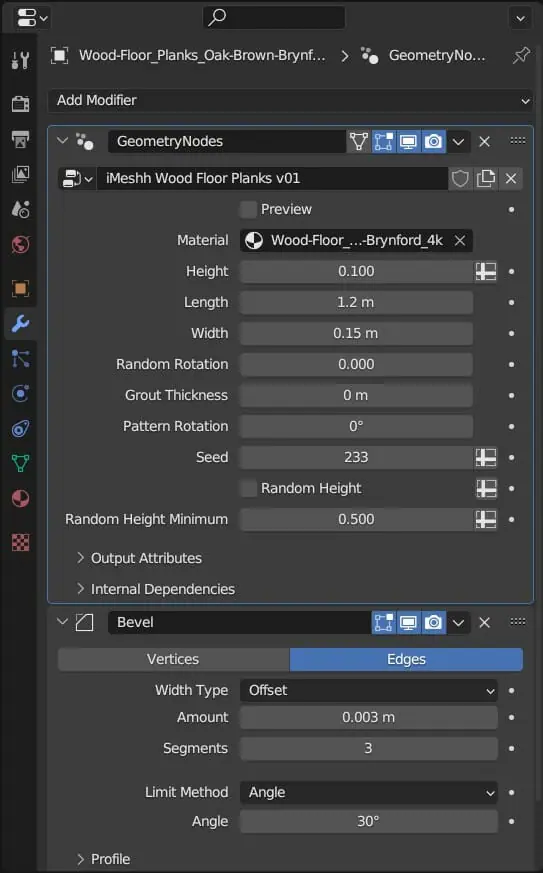
Material detailing
The shader includes controls for saturation, contrast, roughness, dirt, scratches, and grout. These let you age the floor to fit the space: a clean showroom finish or a worn floor with visible history.
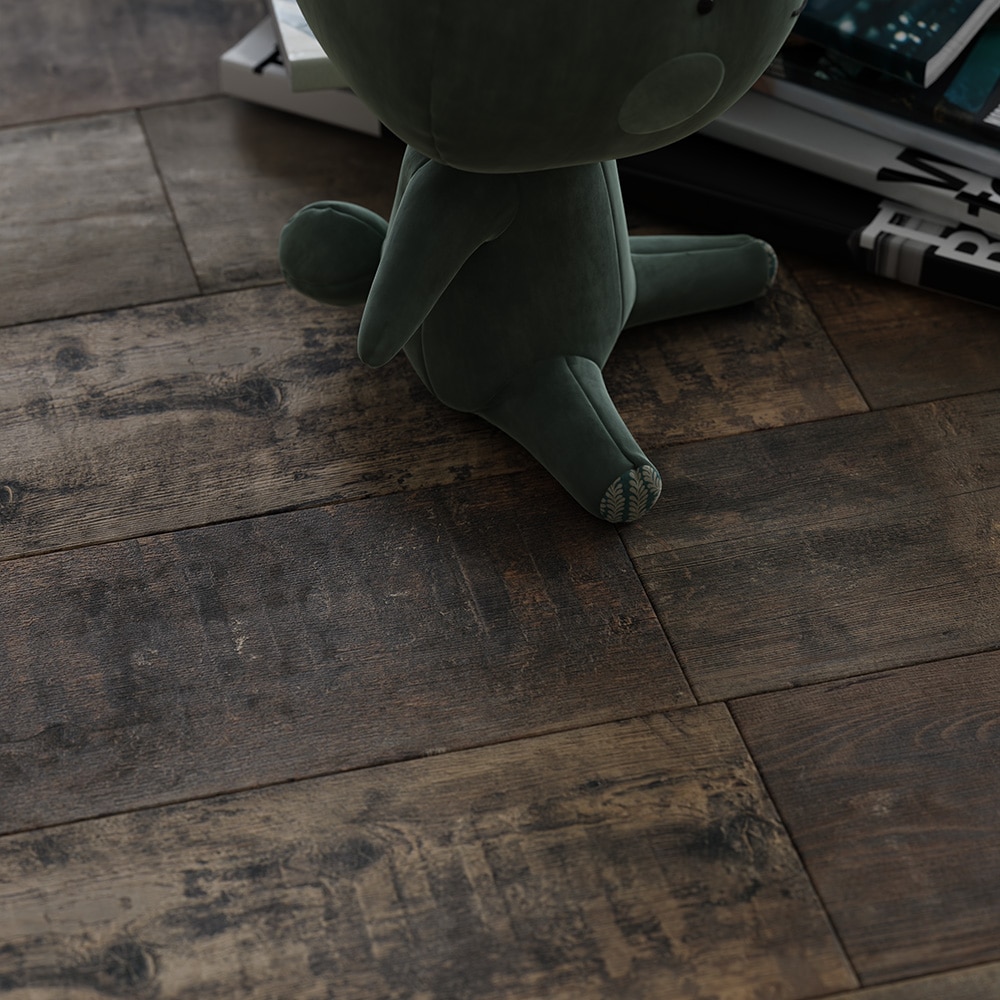
The layout updates immediately as you change parameters, so you can adjust and judge the result interactively in the viewport.