feed
The Community Feed
What the Community Feed is, who can read and post, how it differs from Showcases, and why your posts come from your home studio.
Updated 24 June 2026
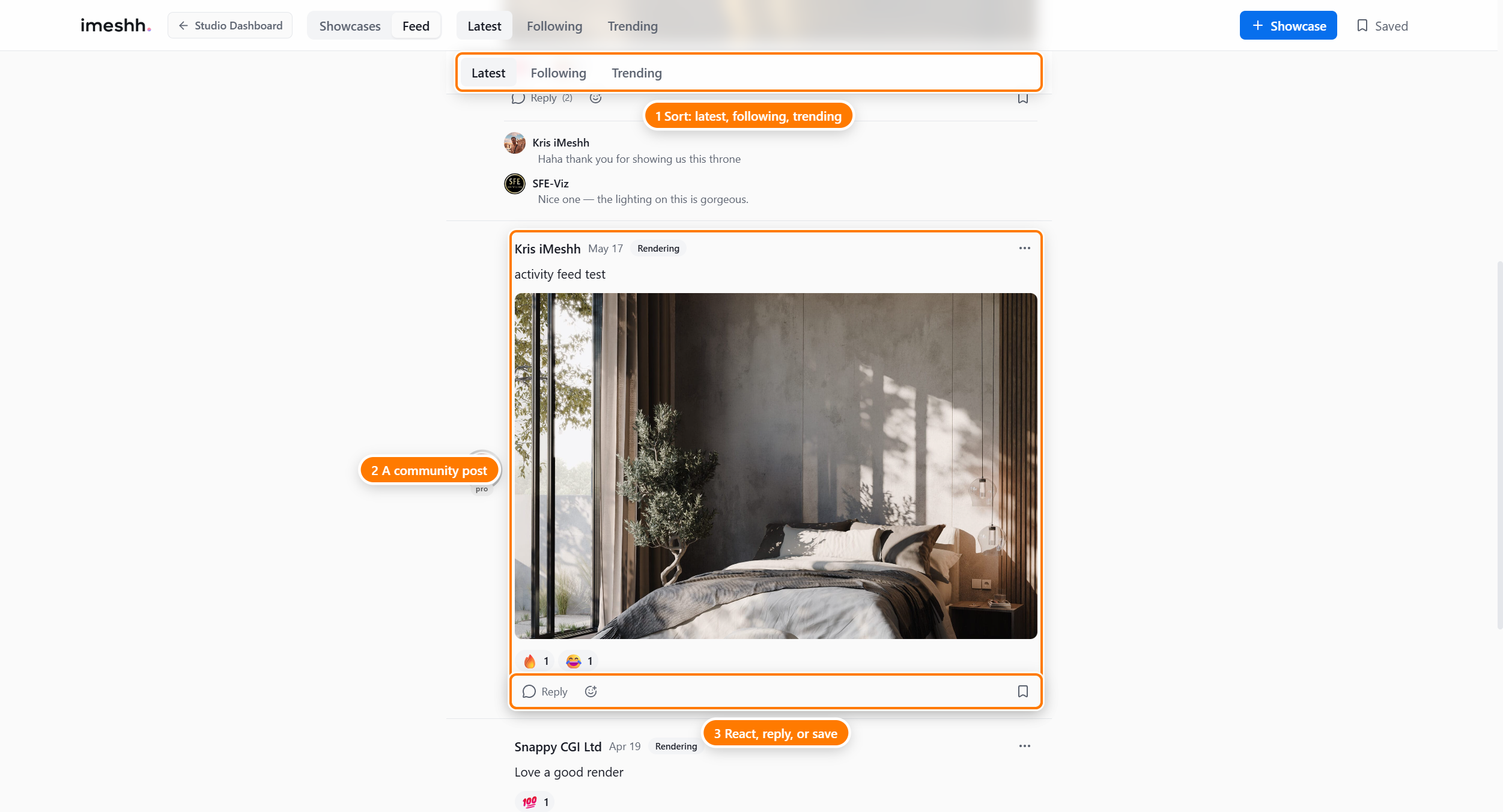
The Community Feed is a text-and-image post stream for archviz studios, built into your dashboard. Studios share renders-in-progress, ask for feedback, post tips, and talk shop. You read the feed at Feed, and you join in by posting, replying, and reacting.
The Feed is one of two social sections that share the same header:
- Showcases — a gallery of finished work. See the Showcases section.
- Feed — the running conversation covered on this page.
Who can read it
Anyone can read the Feed, signed in or not. Open Feed and you see the latest posts straight away — no account needed to browse.
To do anything beyond reading — post, reply, react, or bookmark — you need to be signed in, and some actions need a paid plan (see below).
Who can post
Only Owners and admins of a studio can write posts and replies. If you're a member with a different role, you can read the Feed and react to posts, but you won't see the post box.
| Action | Who can do it |
|---|---|
| Read posts and replies | Anyone, signed in or not |
| Post and reply | Owners and admins only |
| React | Any signed-in member |
| Bookmark | Any signed-in member (paid plan) |
Bookmarking needs a paid plan
Posting, replying, and reacting are open to any signed-in member on any plan. Bookmarks are different — they need an active paid subscription.
You always post as your home studio
Every post, reply, reaction, and bookmark is attributed to your home studio — the studio you signed up with and own. This holds even if you've switched to a different studio in the sidebar.
If your current studio differs from your home studio, a banner at the top of the page tells you which studio your Feed activity will come from. Your avatar on each post also carries a coloured ring that reflects your studio's plan tier.
What the Feed is not
A few things people expect to find here live elsewhere or don't exist:
- It's not a search tool. There's no search box on the Feed. The search field in the header only appears on Showcases.
- It's not your project activity. Project updates, deliverables, and client review all live under Projects, not the Feed.
- It's not your inbox. Direct messages are a separate part of your studio, not part of the Feed.
- It's web only. The Feed lives in the web dashboard. The iMeshh desktop app does not have its own Feed.
What's next
- Reading and posting — tabs, topic filters, writing a post, adding images, and editing or deleting
- Replies, reactions, and saving — reply to a post, react, bookmark, and copy a link